
Tool call usage is a core part of any agentic AI workflow. Maxim’s playground allows you to effectively test if the right tools are being chosen by the LLM and if they are getting successfully executed.
By experimenting in the playground, you can now make sure your prompt is calling the right tools in specific scenarios and that the execution of the tool leads to the right responses.
To test tool call accuracy at scale across all your use cases, run experiments using a dataset and evaluators as shown below.
Measure Tool Call Accuracy Across Your Test Cases
1
Prepare your dataset
Set up your dataset with 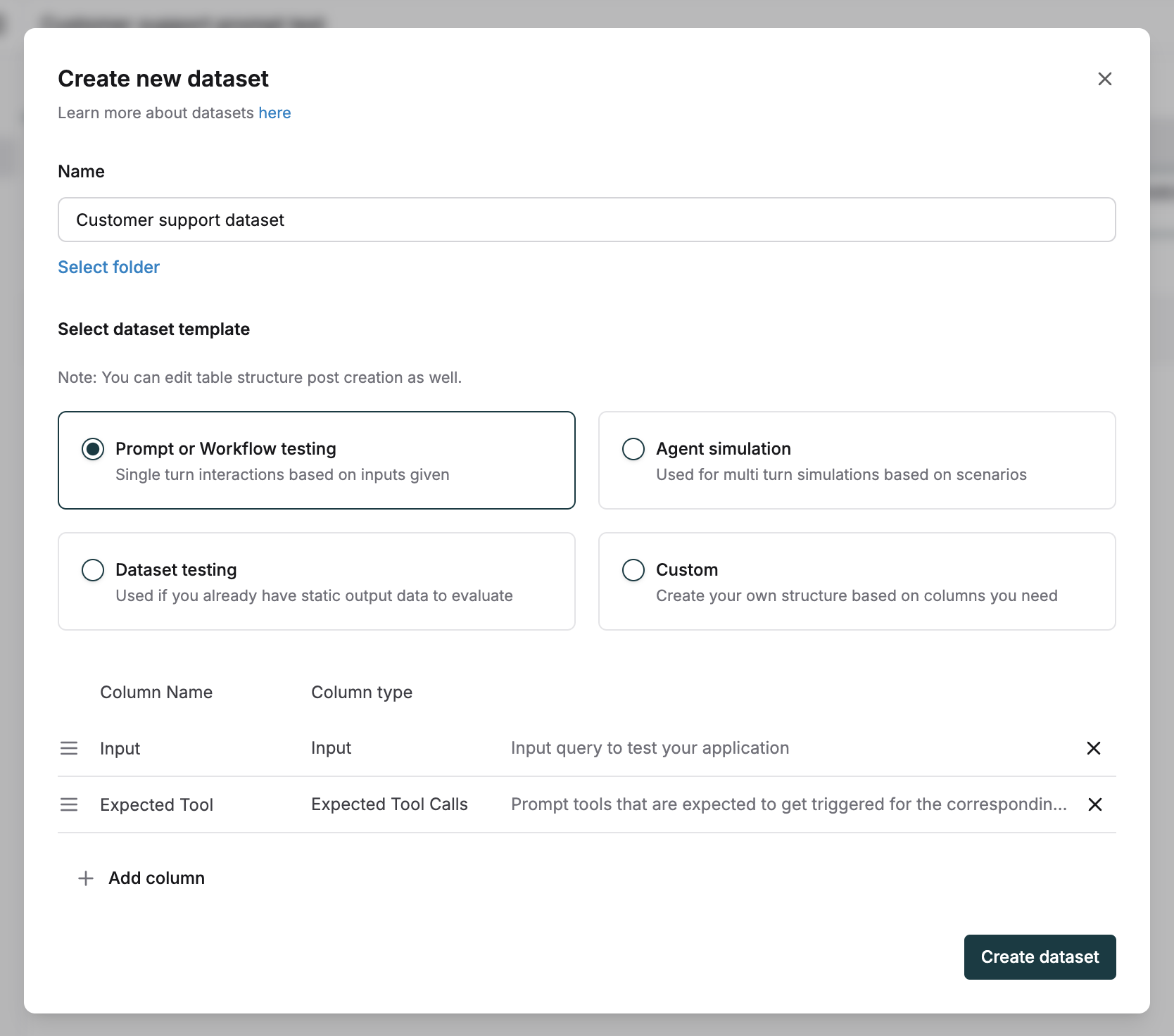
input and expected tool calls columns.2
Define expected tool calls
For each input, add the JSON of one or more expected tool calls and arguments you expect from the assistant.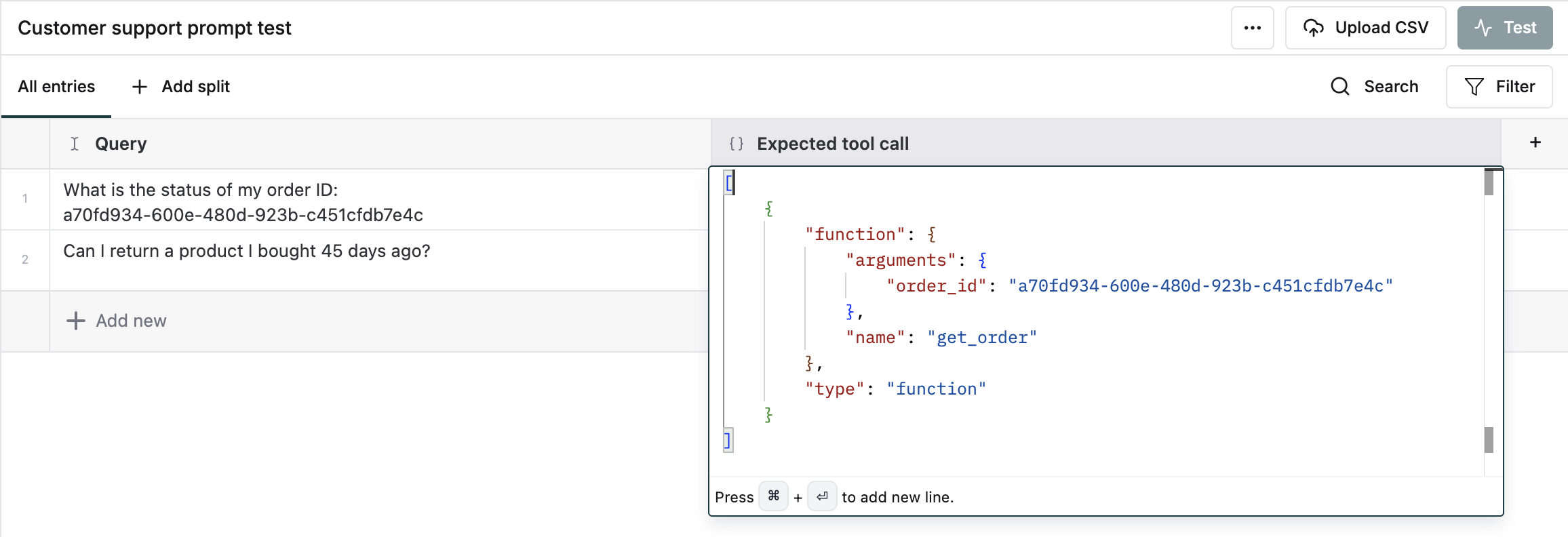
3
Initiate prompt testing
Trigger a test on the prompt which has the tools attached.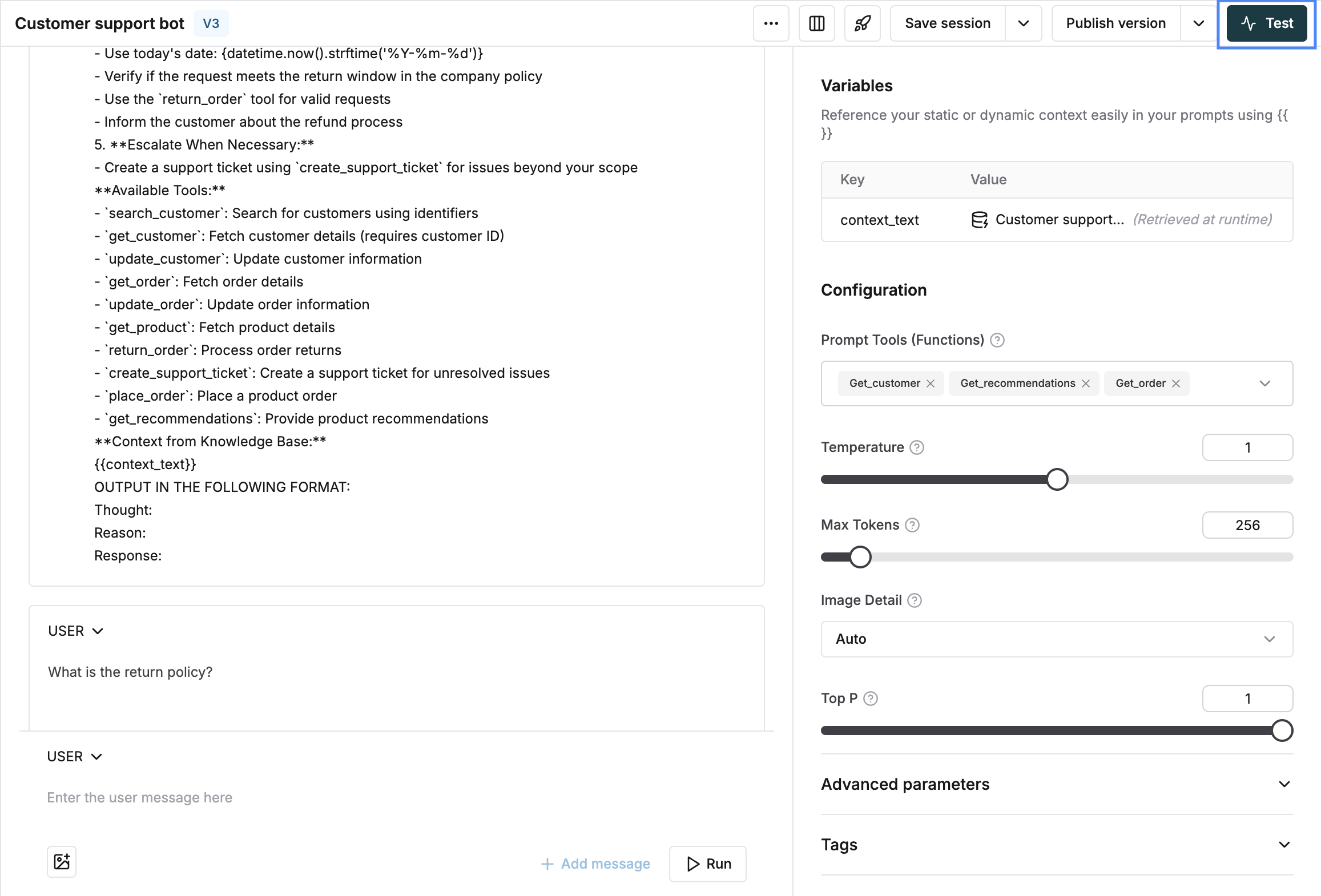
4
Select your test dataset
Select your dataset from the dropdown.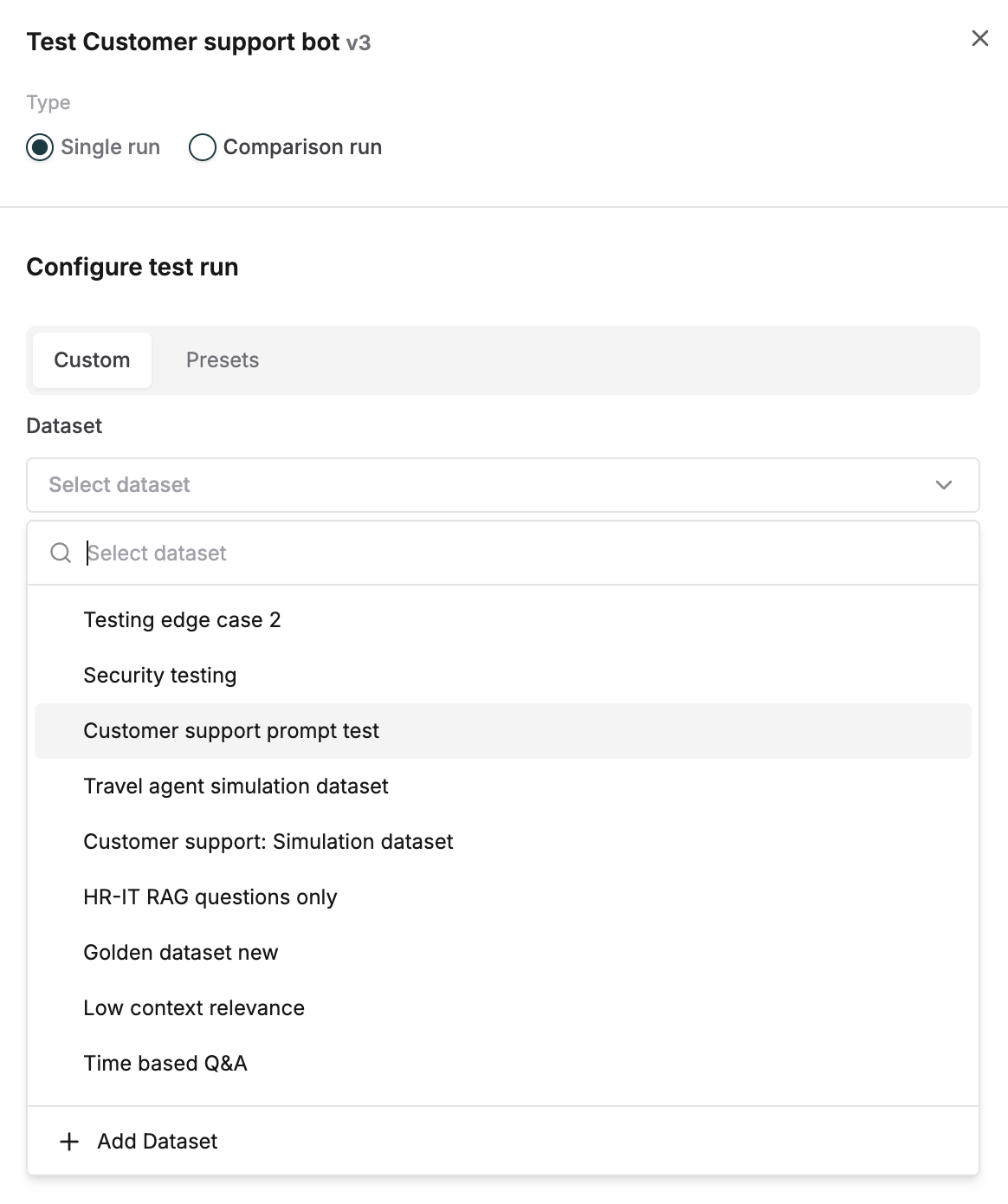
5
Choose the accuracy evaluator
Select the tool call accuracy evaluator under statistical evaluators and trigger the run. Add from evaluator store if not available in your workspace.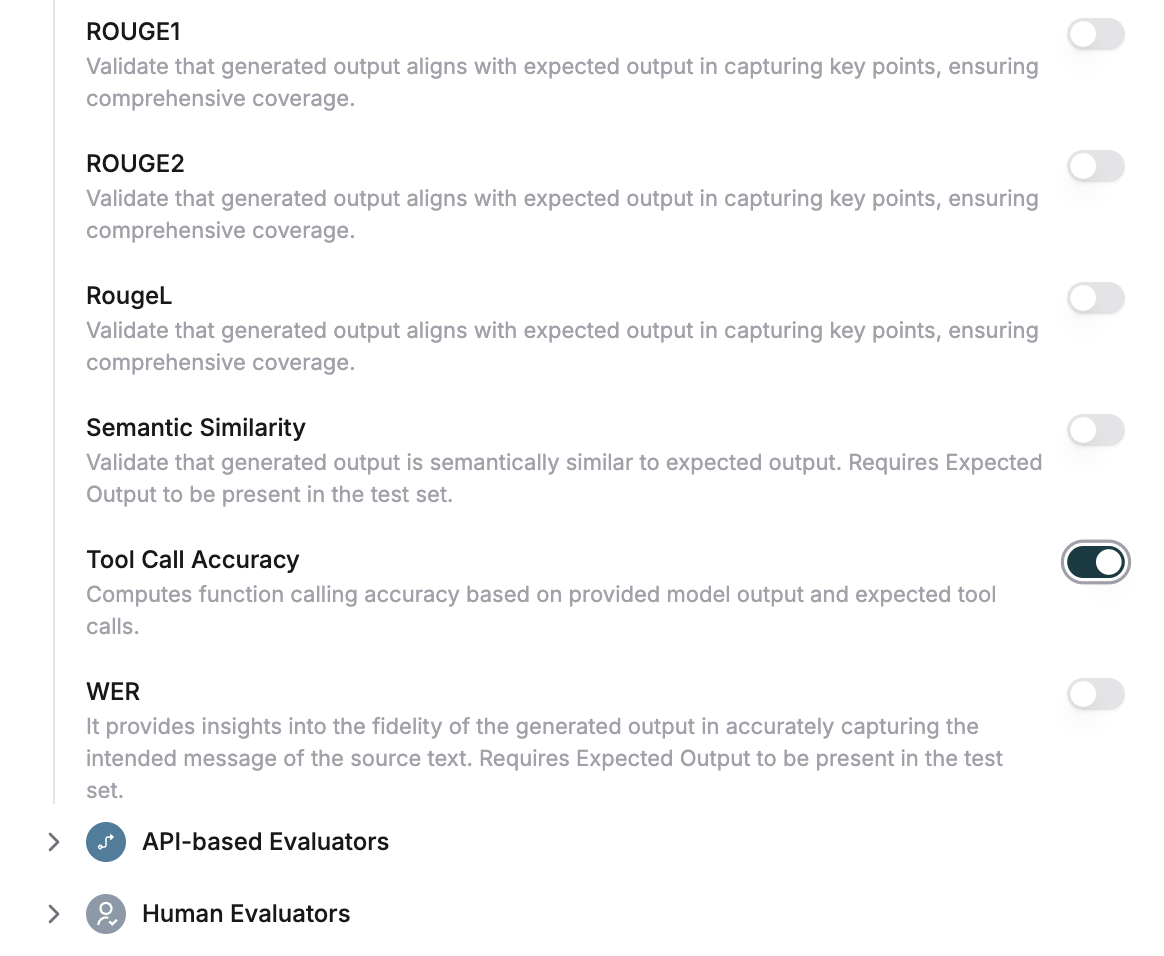
6
Review accuracy scores
Once the test run is completed, the tool call accuracy scores will be 0 or 1 based on assistant output.
7
Analyze detailed message logs
To check details of the messages click on any entry and click on the 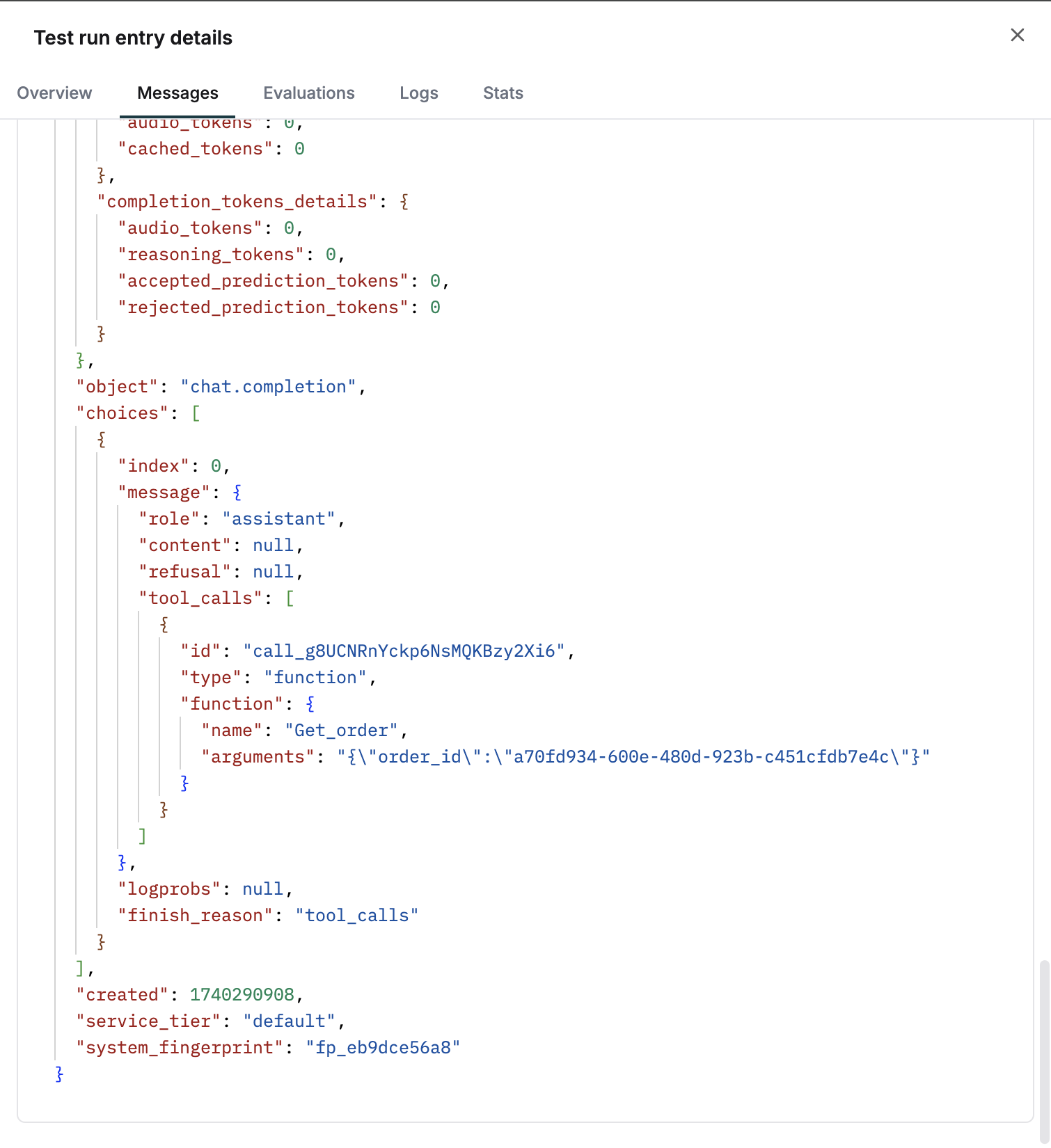
messages tab.