
Evaluate retrieval at scale
While the playground experience allows you to experiment and debug when retrieval is not working well, it is important to do this at scale across multiple inputs and with a set of defined metrics. Follow the steps given below to run a test and evaluate context retrieval.1
Initiate prompt testing
Click on test for a prompt that has an attached context (as explained in the previous section).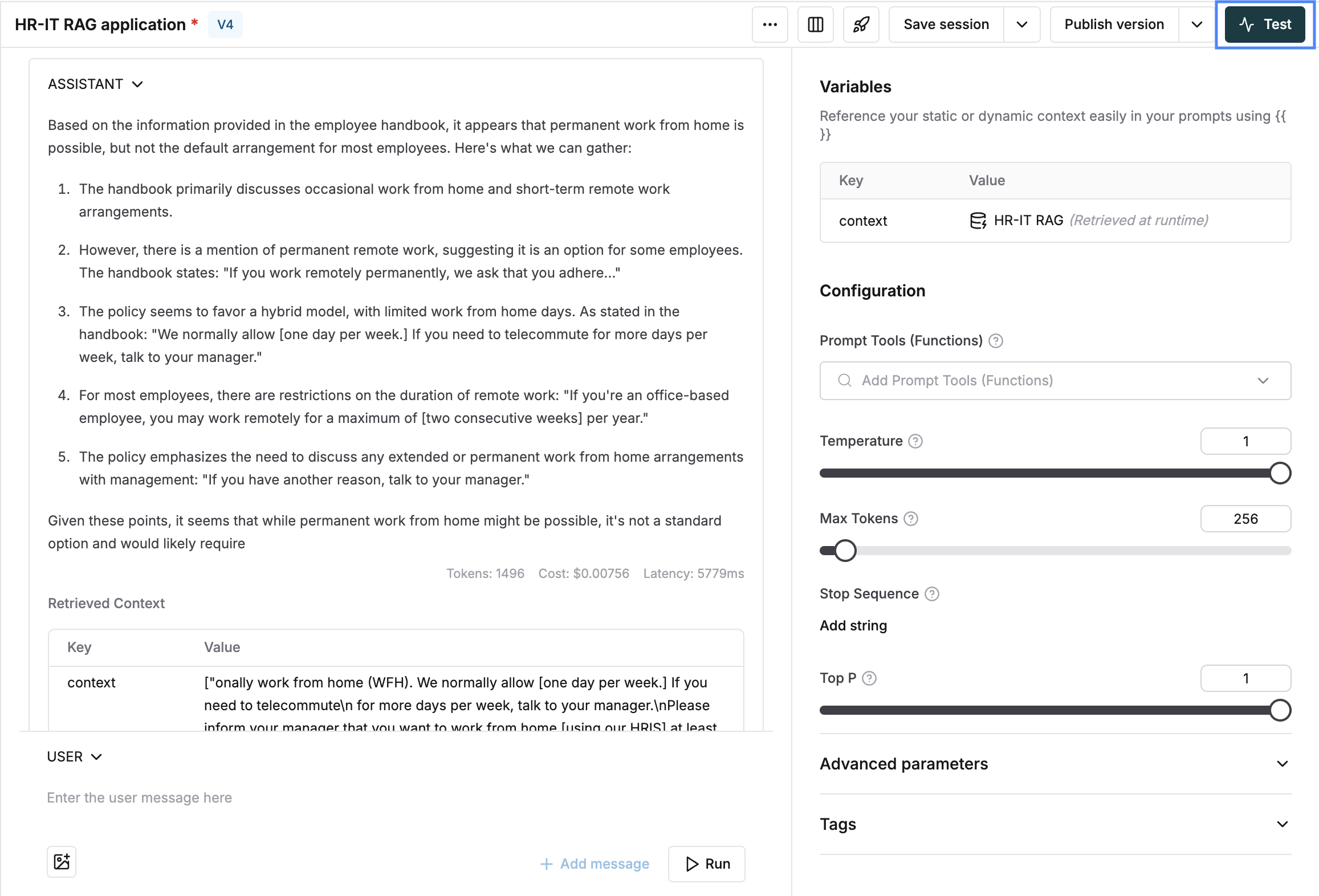
2
Select your test dataset
Select your dataset which has the required inputs.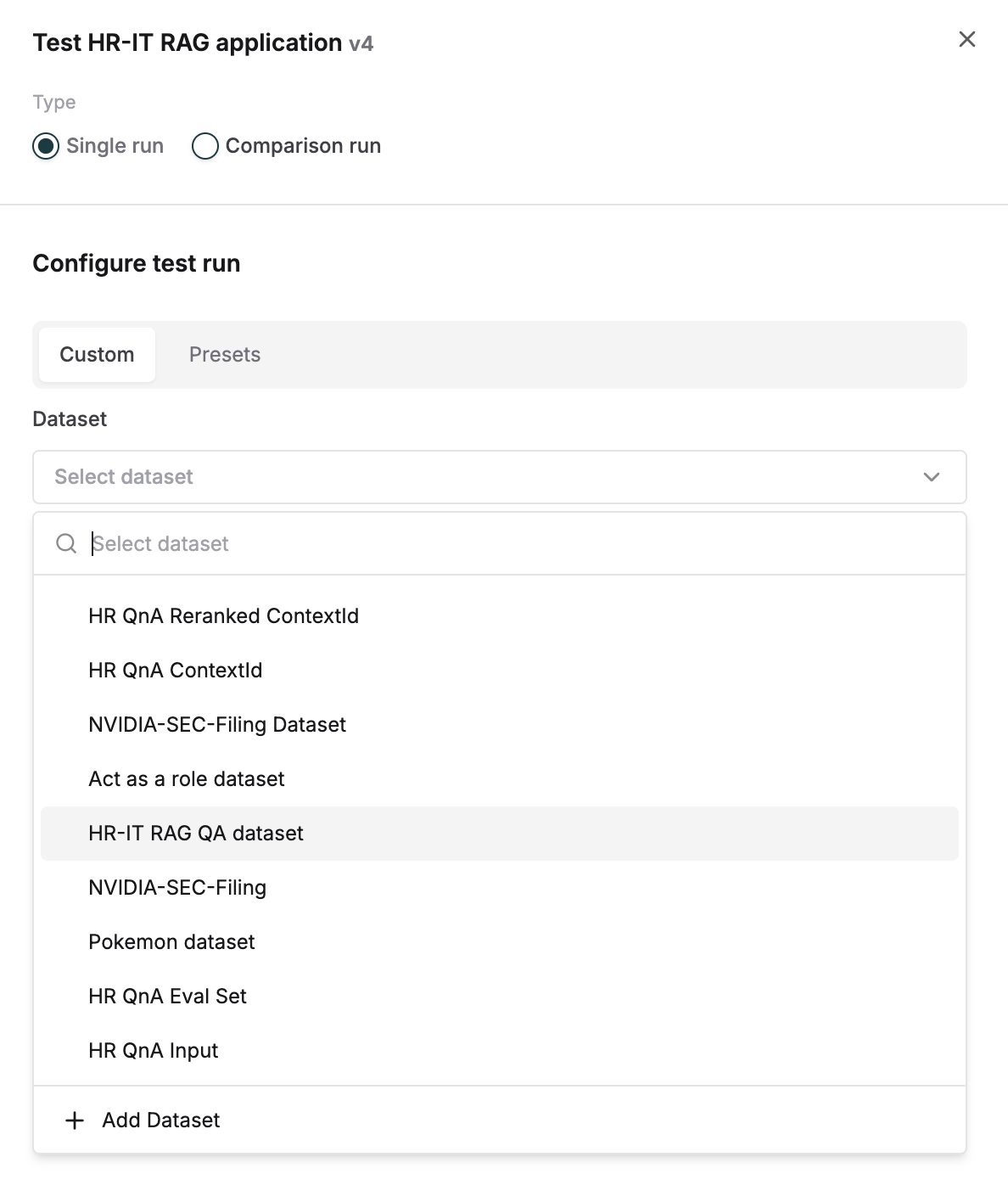
3
Choose context evaluation source
For the 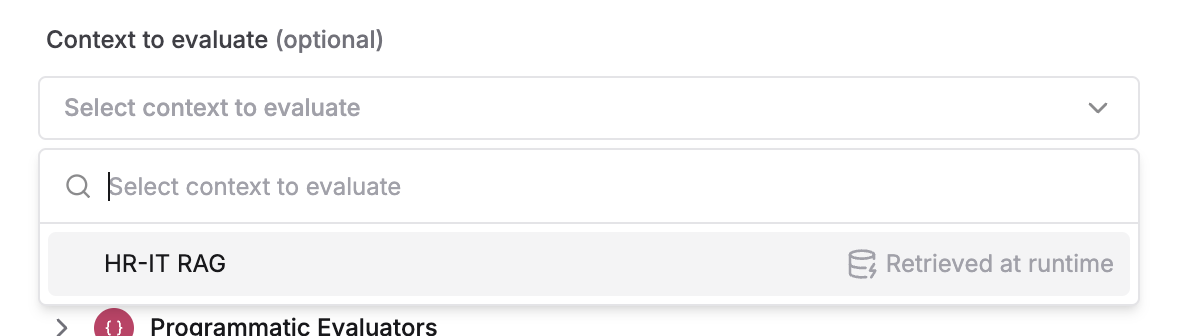
context to evaluate, select the dynamic Context Source4
Add retrieval quality evaluators
Select context specific evaluators - e.g. Context recall, context precision or context relevance and trigger the test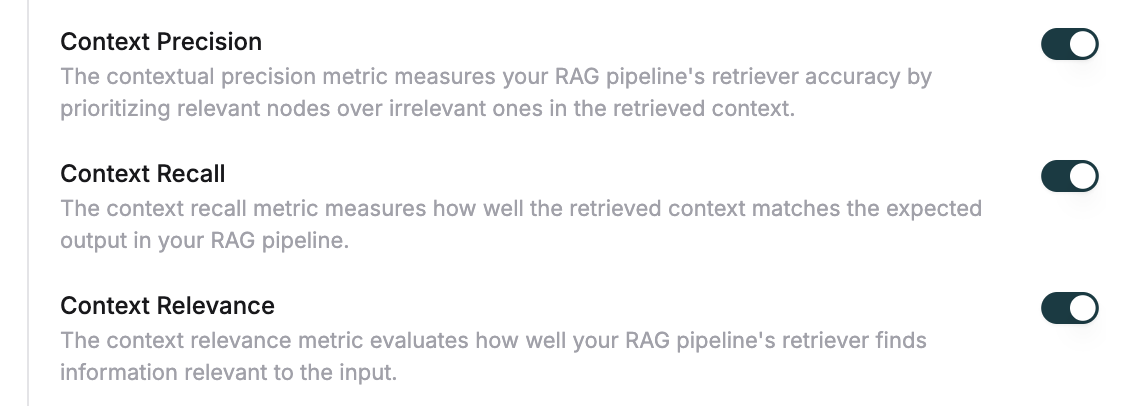
5
Review retrieved context results
Once the run is complete, the retrieved context column will be filled for all inputs.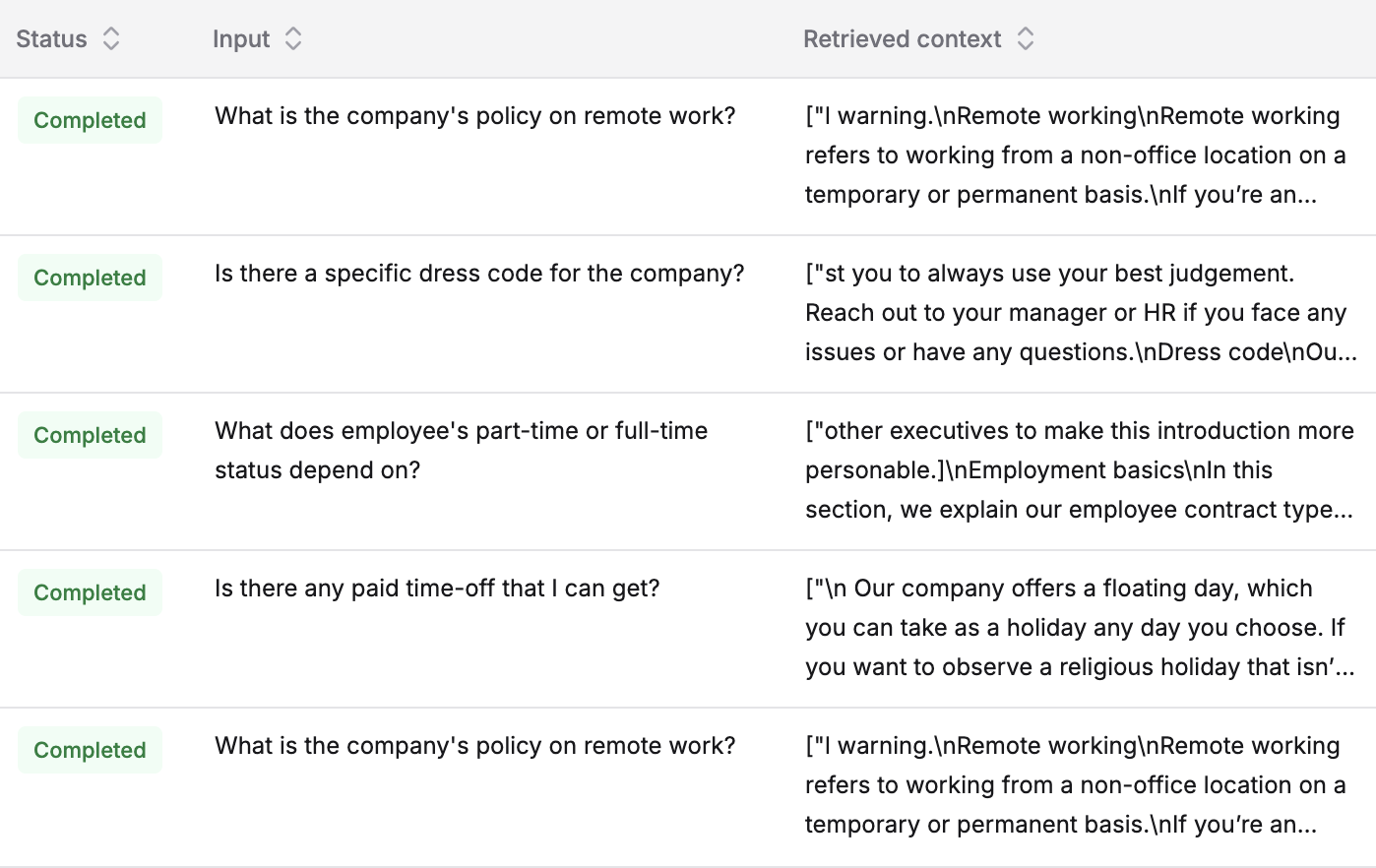
6
Examine detailed chunk information
View complete details of retrieved chunks by clicking on any entry.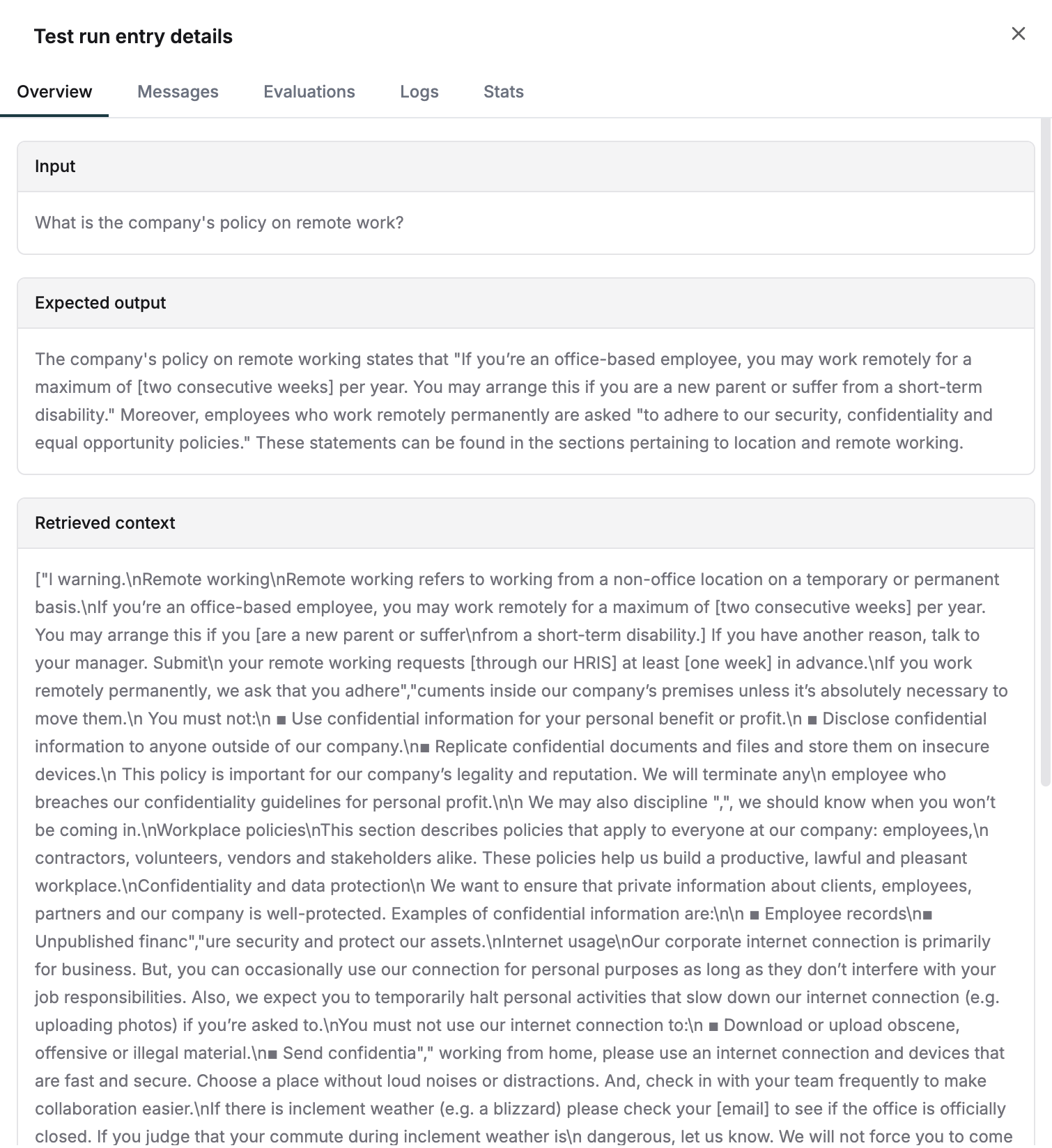
7
Analyze evaluator feedback
Evaluator scores and reasoning for every entry can be checked under the 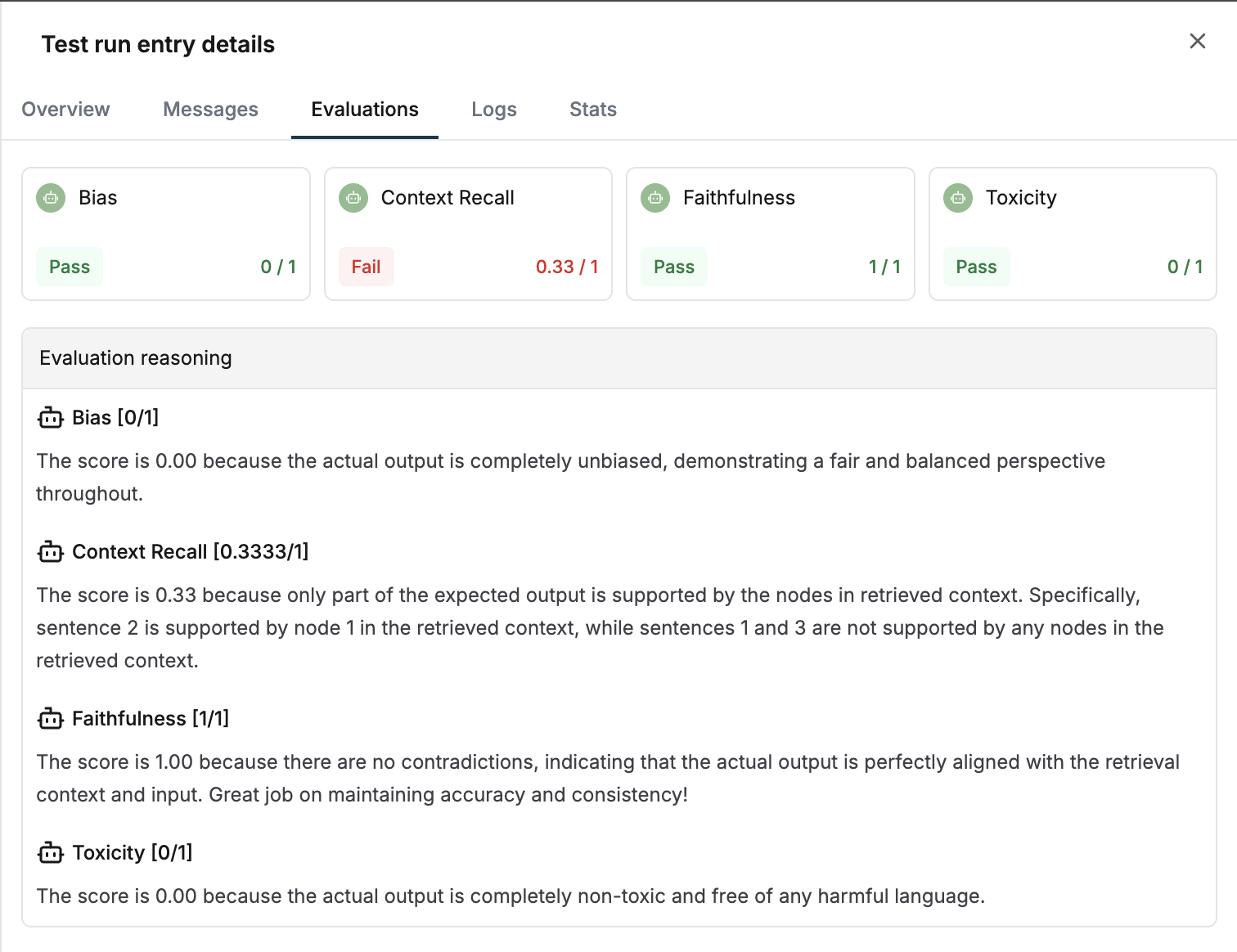
evaluation tab. Use this to debug retrieval issues.