
Overview
This guide demonstrates how to integrate Maxim SDK tracing with LiteLLM for seamless LLM observability. You’ll learn how to set up Maxim as a logger for LiteLLM, monitor your LLM calls, and attach custom traces for advanced analytics.Requirements
Environment Variables
Set the following environment variables in your environment or.env file:
Step 1: Initialize Maxim SDK and Add as LiteLLM Logger
Step 2: Make LLM Calls with LiteLLM
Advanced: Attach a Custom Trace to LiteLLM Generation
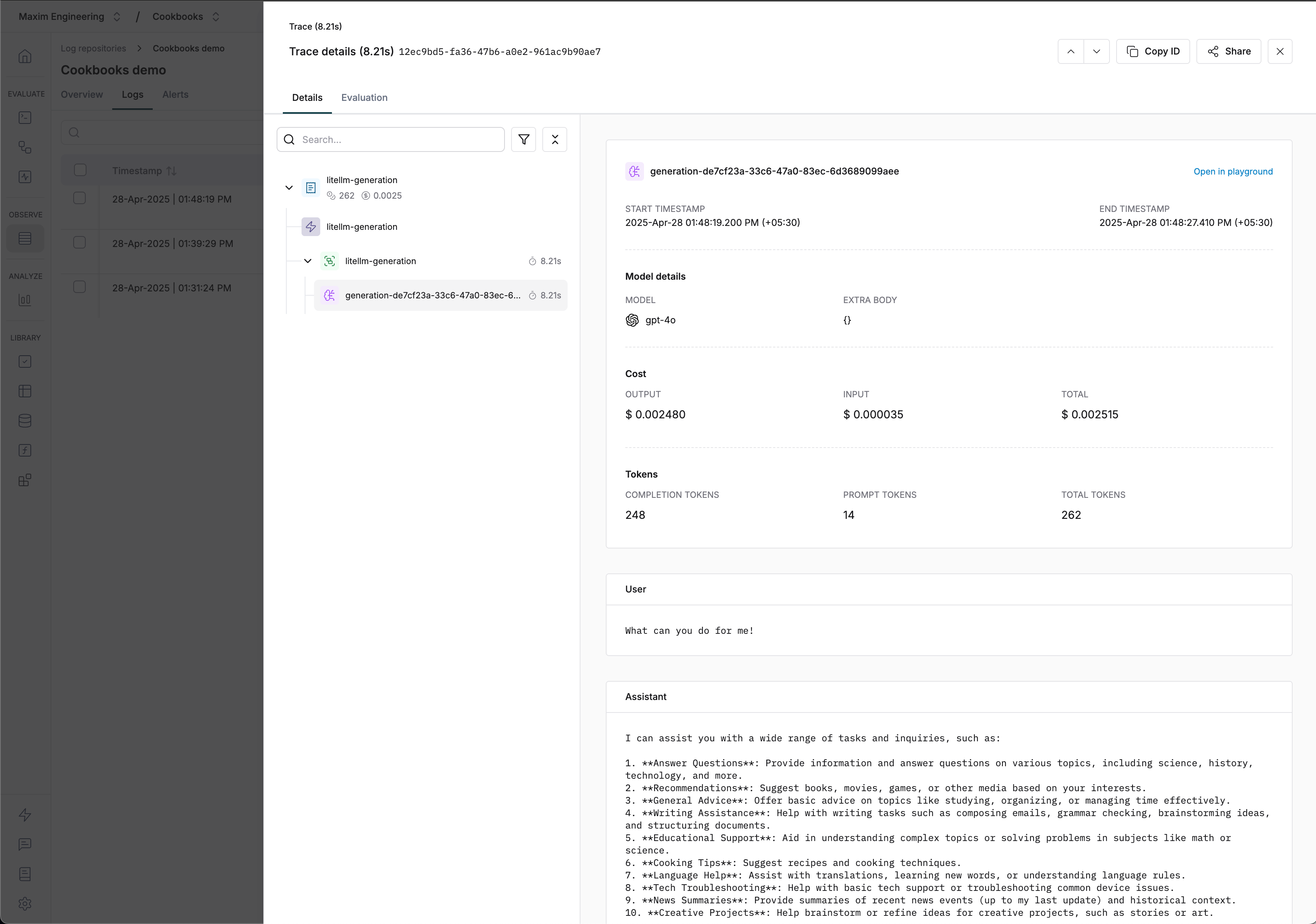
You can attach a custom trace to your LiteLLM calls for advanced tracking and correlation across multiple events.Visualizing Traces
Resources
Notes
- All LLM calls made with the MaximLiteLLMTracer will be automatically traced and visible in your Maxim dashboard.